
Balance, profits, and task goals
Check your current balance and trading profits, review task goals, and build or manage your team.
Home shows your balance, trading profits, task goals, and team; Trade is where you get tasks; Activity keeps every balance change and buy/sell record; Profile manages passwords, security, and account settings.
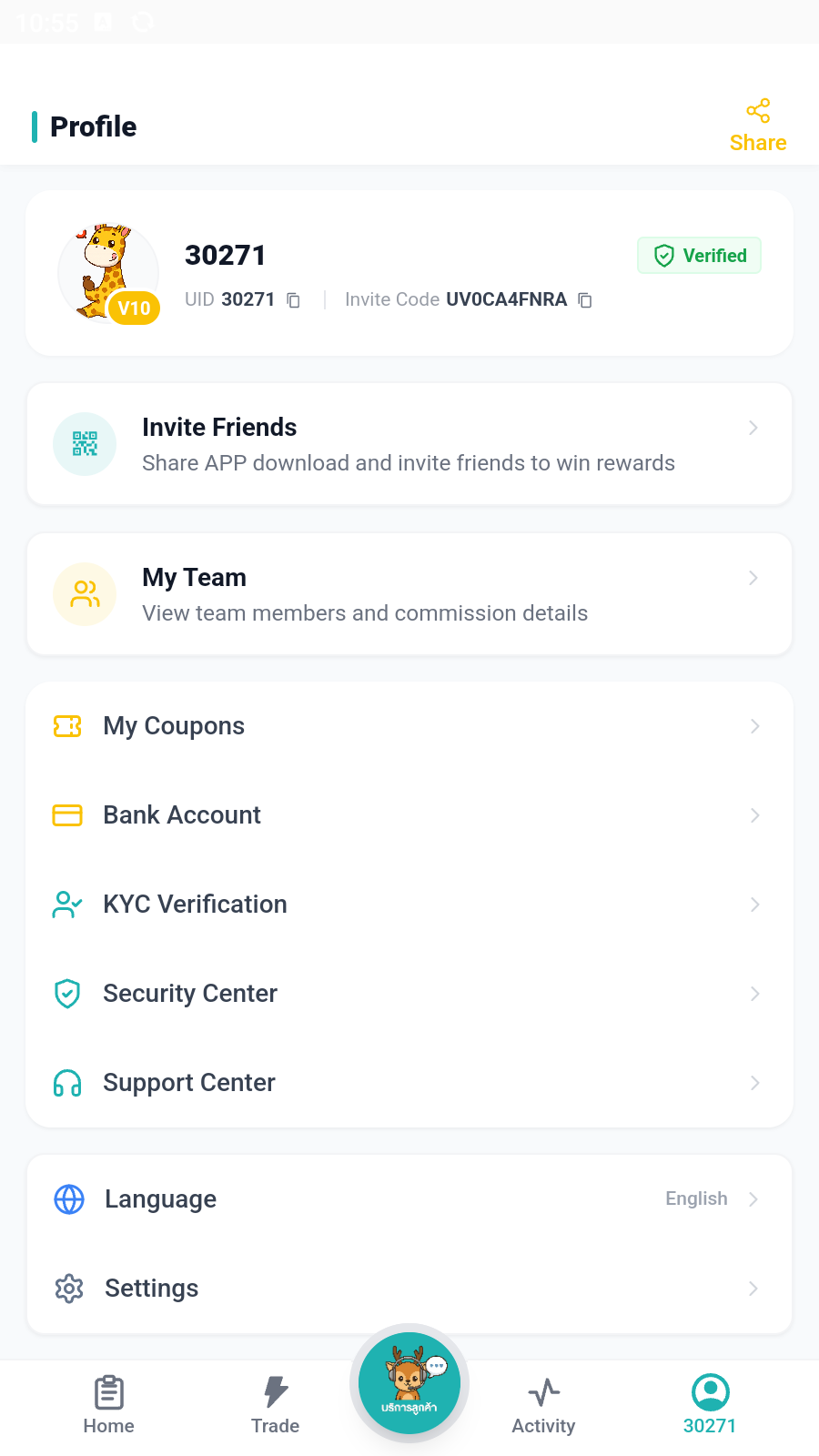
Home, Trade, Activity, and Profile each have one clear role.
Decide what you need to do, then go directly to the matching area.
Check your current balance and trading profits, review task goals, and build or manage your team.
Open Trade to view and claim available tasks, review the order details, and start processing.
Review every balance change, buy/sell record, and processing status in one place.
Change your password, review security settings, and manage KYC, receiving methods, and other account details.
Download the APP, complete KYC, and open Trade to get a task.